
Orders & Fulfillment
Keep every order moving
Bring orders from connected sales channels into one queue. Prepare batches, check packed items and manage shipping details from the order workflow.
Get StartedOrder Management
All your orders, in one place
Bring orders from connected sales channels and manually created orders into one queue. See payment and fulfilment status together, then filter by channel, location or delivery date to find what needs attention.
Orders
All orders
To fulfill
Awaiting payment
Fulfilled
2 selected
| Channel | Order | Date | Payment status | Fulfilment status | Total | |
|---|---|---|---|---|---|---|
 |
#4112 | Paid | Unfulfilled | 1,536.00 PHP | ||
|
#4111 | Paid | Unfulfilled | 1,152.00 PHP | ||
 |
#4110 | Paid | Unfulfilled | 2,016.00 PHP | ||
|
#4109 | Paid | Partially fulfilled | 2,688.00 PHP | ||
 |
#4108 | Paid | Fulfilled | 1,032.00 PHP | ||
|
#4107 | Unpaid | Unfulfilled | 1,776.00 PHP | ||
|
#4106 | Paid | Fulfilled | 2,304.00 PHP | ||
|
#4105 | Paid | Fulfilled | 888.00 PHP | ||
|
#4104 | Paid | Partially fulfilled | 3,072.00 PHP | ||
|
#4103 | Paid | Fulfilled | 1,344.00 PHP | ||
|
#4102 | Paid | Fulfilled | 2,208.00 PHP | ||
|
#4101 | Paid | Fulfilled | 816.00 PHP |
Batch Preparation
Take the batch onto the packing bench
Select compatible orders to start bulk fulfilment, generate a pick list, or print packing slips and invoices for the packing team. Available actions follow channel and delivery rules; carrier labels are available through supported integrations.

2 selectedOrders
Generate pick list
Print packing slip
Print invoice
Packing Checks
Check each item against its order
Find an order by order or tracking reference, then compare scanned items with the required quantities in the packing checklist. Check the contents before marking the order packed or ready.

Packing assistant#4112
Paid
Tracking / order number
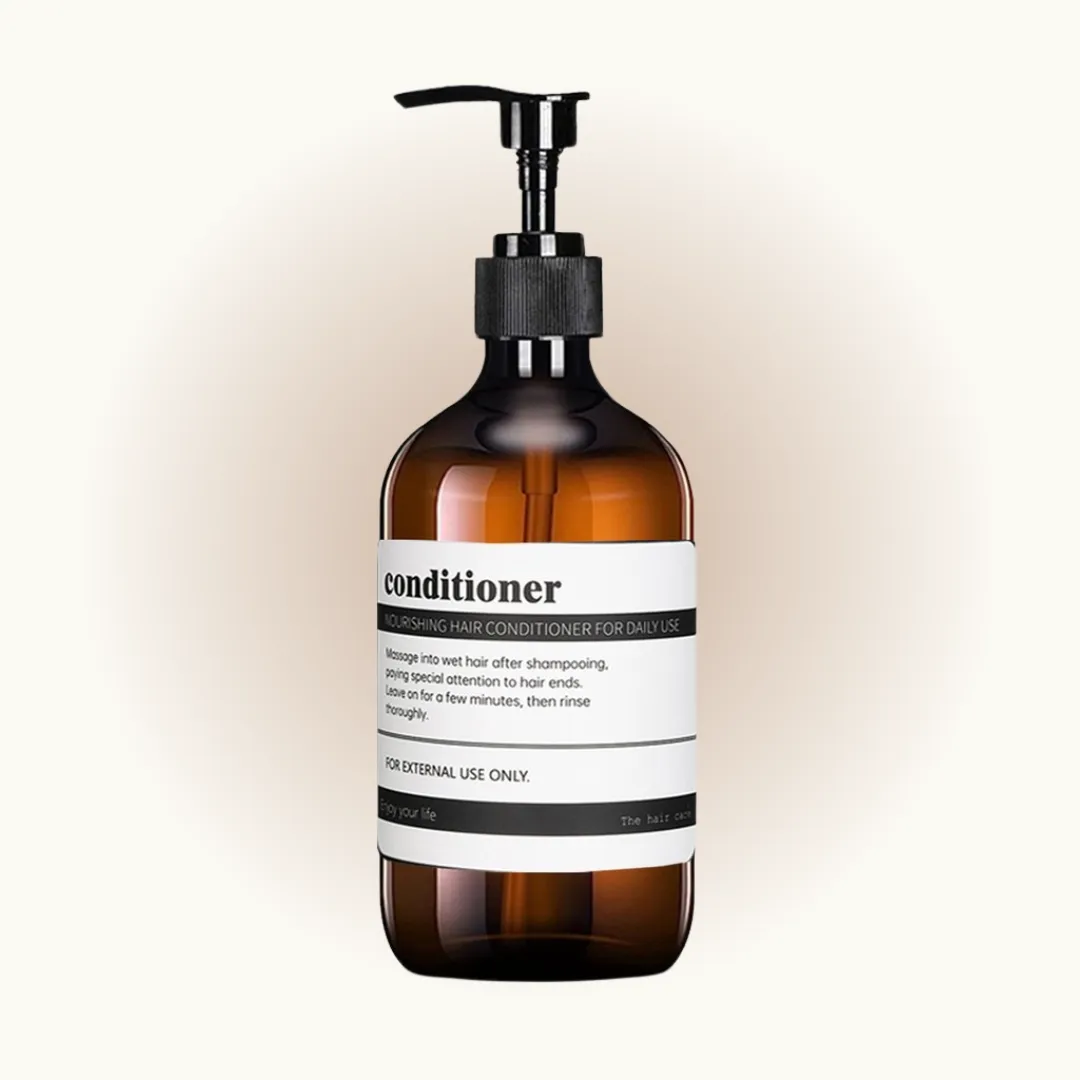
Divine Silk Conditioner
Connected Shipping
Arrange delivery with your connected courier
Arrange dispatch through a supported courier connected to your store. Shipping profiles, destination zones and ranked eligible origins match delivery to your goods and locations. Provider and market setup apply; automatic multi-origin rules exclude POS and marketplace orders.

#4112Fulfill from: Main outlet
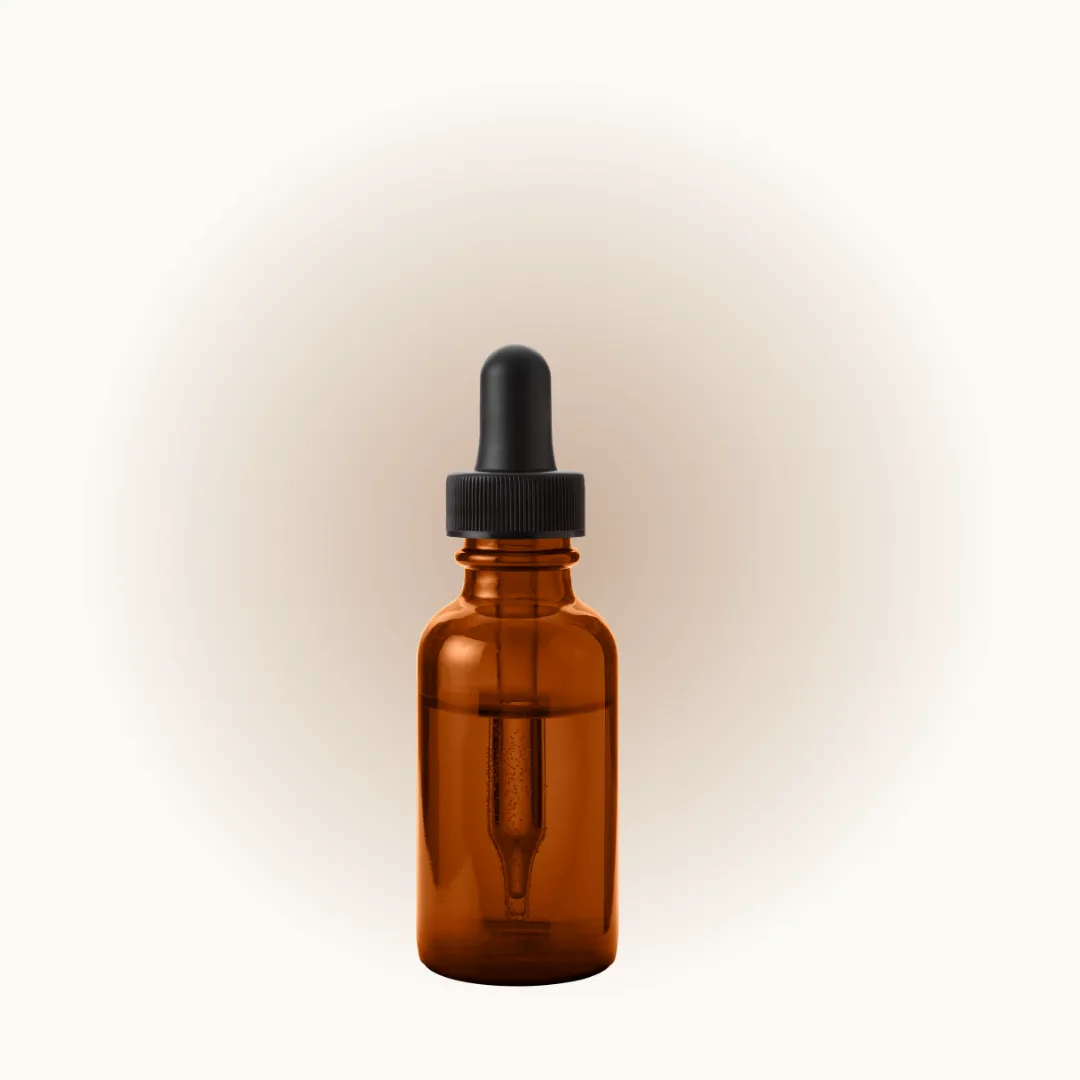
Radiance Scalp Ampoule
Fulfill with J&T Express Philippines
Fulfill with LBC Express
Manual Fulfilment
Keep other delivery arrangements on the order
For another delivery arrangement, mark an applicable order fulfilled and record its courier and tracking details. Eligible unfulfilled orders can also be split, moved to another shipping origin or merged at the same origin. Pickup origins cannot be changed this way, and stock transfers may need completion.

Get your goods readyFulfill from: Main outlet
Radiance Scalp Ampoule
Courier service
Type or select from the list
Tracking number
Enter tracking number
Order Progress
See what remains when an order changes
Review fulfilled and outstanding items alongside notes and order history, so a colleague can see where the work stands. Linked return and refund records keep after-sale follow-up connected to the original order.
#41122 items · 1 fulfilled
Partially fulfilled
Radiance Scalp Ampoule
Divine Silk Conditioner
HistoryProducts are pending for shipmentOrder placed
Customer Updates
Keep shipment information ready to share
Maintain the courier, tracking number and link, and choose whether to notify the customer when updating tracking. For collections, configure pickup times and work from the preparation and ready-for-pickup queues. Availability follows the supported service and store setup.

Get your goods ready
Courier service
J&T Express Philippines
Tracking number
PH41120001
Tracking URL
courier.example/track/PH41120001
Notify customer