 Glow SerumOrders +31%

Instagram Live
Turn Instagram Live discovery into customer loyalty
Show products live, capture orders from comments, keep inventory updated, and reward members with points after payment.
Get Started Contact UsProduct assortment planning
Know which SKU to push based on customer demand
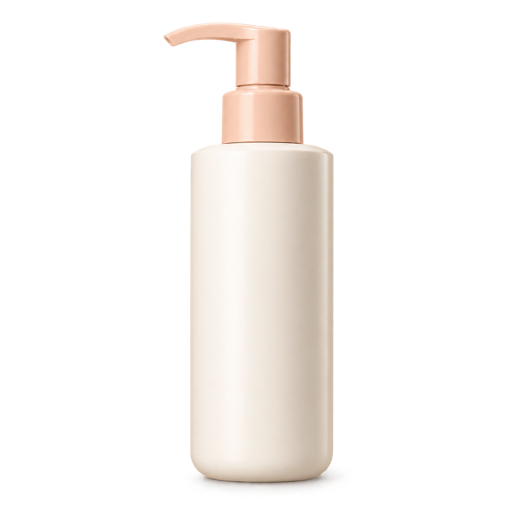
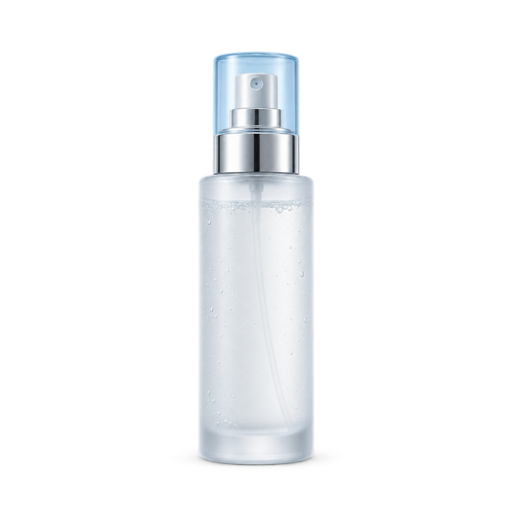
Before every live, use product reports to combine products that sell well with new products customers may love, driving higher GMV with a stronger line-up.
Bundle upsell
Spot products that sell well together
Use past orders to identify natural bundle and add-on opportunities for your next live.
Live promo and flash sales
Create a reason to buy before viewers scroll away
Feature your offer clearly and send interested viewers an order link while their attention is still high.

Comment-to-order
Capture orders using comment keywords while intent is high
When viewers comment a product keyword, EasyStore matches the product and sends them an order link automatically.

Inventory sync
Keep inventory accurate during and after every live
Track live orders with your other sales and keep available stock clear for your next campaign.
Order follow-up
Keep orders coming in after the session ends
See which orders are paid or still waiting for payment, so your team knows where to follow up.
Customer base growth
Expand member base by rewarding new customers
When customers check out for the first time, their details automatically create a member account. They can then enjoy welcome vouchers and earn points for future purchases.
Repeat purchase
Let customers use points and perks on their next order
Customers can redeem points and enjoy member perks wherever they shop next—online, in-store, or through your other sales channels.
More Instagram Live tools
Keep live selling organised behind the scenes
Prepare products and guide each comment-based order into a trackable checkout flow.
-
Add products as you go
Choose products before the live and add more from the Live Control Room while you are broadcasting.
-
Control product codes and stock
Edit the automatically generated product code and available inventory for each featured item.
-
Send checkout through Instagram DM
Match the viewer’s code and quantity, then send a private message linking them to checkout.
-
Keep live activity together
Keep products, customer intent, orders, payments, and inventory organised in EasyStore.
EasyStore for Meta
Grow across Meta
Connect live selling, ads, and customer conversations with EasyStore.

Facebook Live
Capture orders from comments while you sell live.

Facebook & Instagram Ads
Promote products and reach more potential customers.

Messenger
Continue customer conversations beyond the live.